
CÓMO DESCARGAR THIRSTYAFFILIATES PRO
ThirstyAffiliates Pro también requiere que el plugin base ThirstyAffiliates esté instalado y activado.
Puede encontrar el plugin base en https://wordpress.org/plugins/thirstyaffiliates/.
Once you purchase the ThirstyAffiliates Pro version, download the plugin’s .zip file from your Cuenta página.
Clicking the Download button below will direct you to your account page where you can download the latest stable version of the ThirstyAffiliates Pro plugin anytime. You will find the plugin’s .zip file at the bottom of the page.

CÓMO INSTALAR THIRSTYAFFILIATES PRO
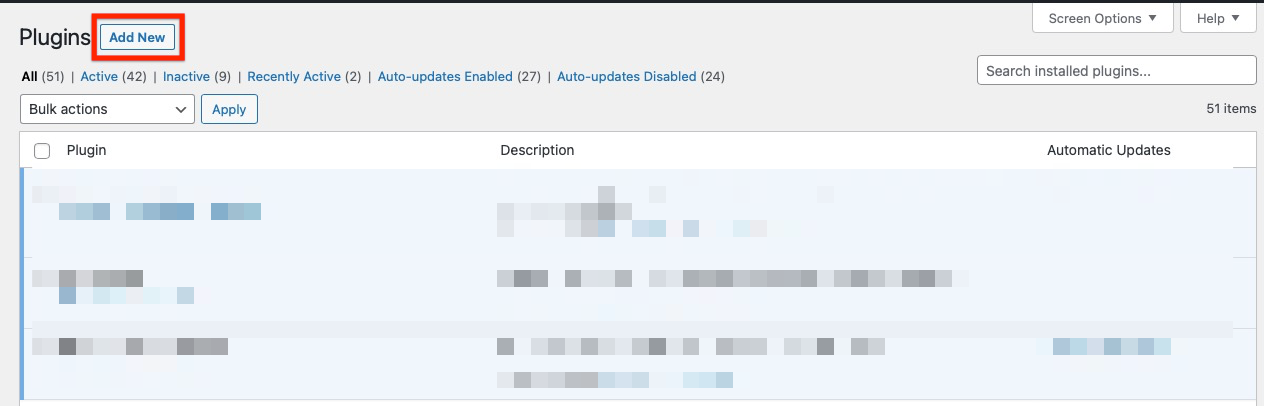
- Once you’ve downloaded the plugin’s .zip file from your Cuenta vaya a la página de plugins de su panel de administración de WordPress y pulse el botón "Añadir nuevo":
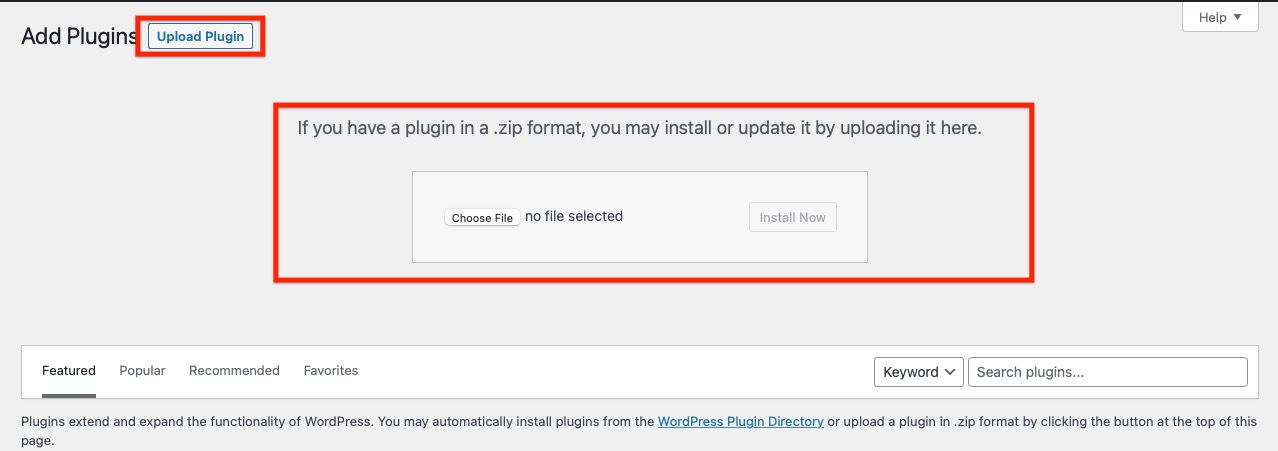
2. Hit the “Upload Plugin” button, then hit the “Choose File” button to choose the plugin’s .zip file:
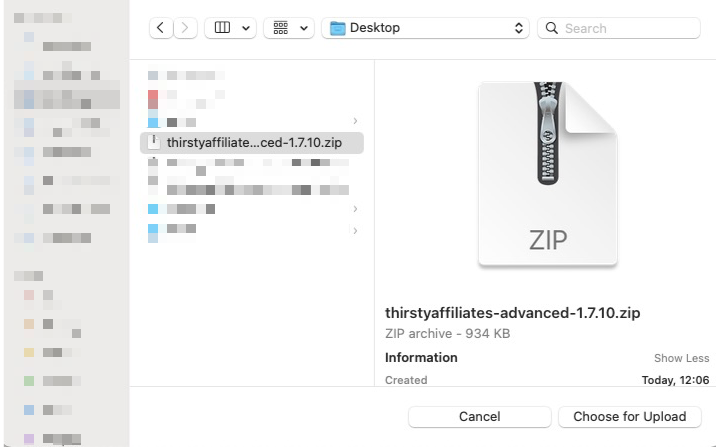
3. When the upload file dialog shows, choose the plugin’s .zip file on your computer:
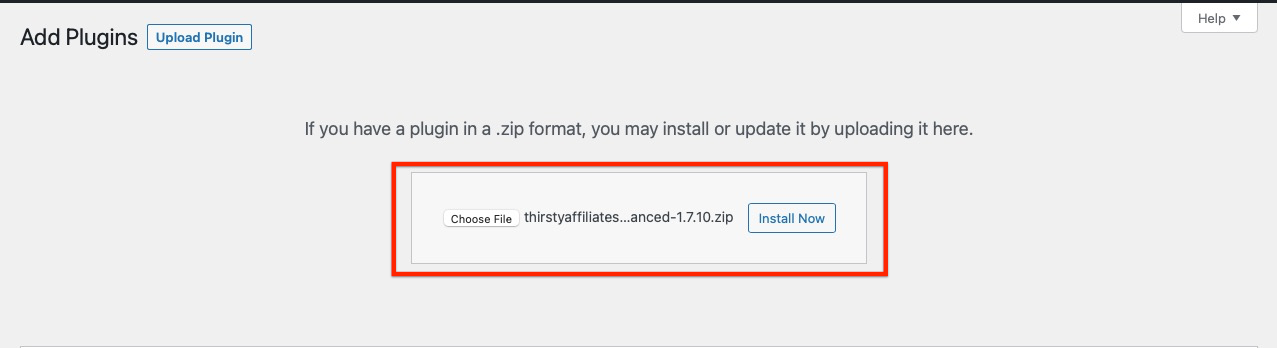
4. Pulse el botón "Instalar ahora" para instalar el plugin:
5. Tras la instalación, pulse el botón "Activar Plugin" para activar el plugin ThirstyAffiliates Pro:
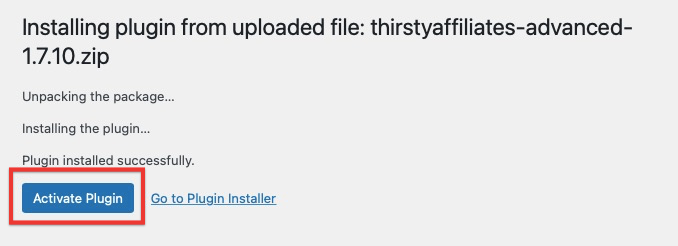
6. Verá el mensaje de éxito "Plugin activado":
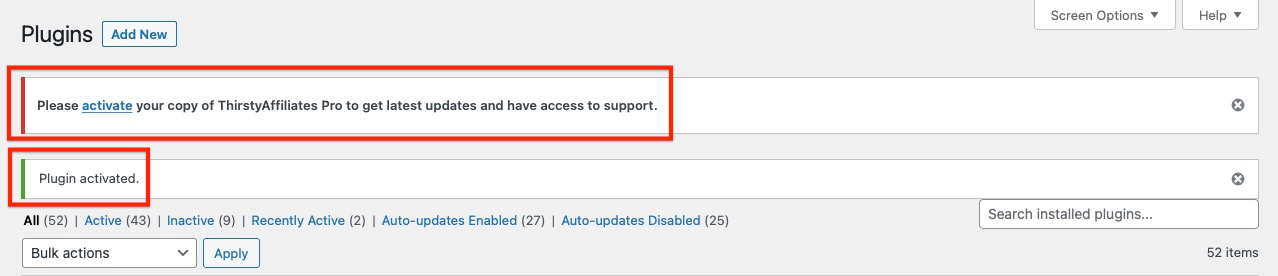
Deberá activar su clave de licencia para que funcionen las actualizaciones automáticas de los plugins:
¿Cómo recupero y activo mi clave de licencia?